

Set up hosted checkout
You can start working on your checkout before you complete your onboarding in Rocka Hub. To set up and test your integration, use your test API key. Follow the steps below to get started.Configure your integration
1
Step 1. Get your API key
Create a Rocka Hub and get your API keys. For more details, see Get your API key and Authorisation.To set up and test your integration, use your test (sandbox) API key.
2
Step 2. Create a payment and configure webhooks
Use the POST /payments endpoint to create a payment. At a minimum, include these parameters:
- payment
amountandcurrency returnUrl, where the customer is redirected after they complete the paymentpaymentId, your unique identifier for the payment. This is only be visible to you. Rocka returns thispaymentIdin every callback.description, a short description of the payment shown to the customer on the payment formcustomerIdoremail, the customer’s unique identifiers in your system
webhookUrl address where Rocka can send payment callbacks.3
Step 3. Direct the customer to the payment link
POST /payments returns the payment’s ID and a payment URL. Add a payment button to your checkout that directs the customer to this URL. This can be in a new tab or the same tab.Once the customer places the payment, they are redirected to the returnUrl you provided in your payment creation request.4
Step 4. Handle payment completion and status updates
When you create a payment, you can provide a webhook URL (
webhookUrl) where sends send callbacks with payment status updates.Rocka notifies you when the payment is completed (the Done status) or fails (the Failed status). Both these statuses are final, and it’s safe to fulfil the customer’s order when the payment has the Done status. For more information on callbacks and statuses, see Callbacks and Transaction statuses.Test your integration and go live
Before you start accepting live payments, make sure your integration works as expected. For more information on how to test payments using Rocka’s mock bank, see Test your integration. Once you’ve tested your integration and completed your onboarding in Rocka Hub, you’re ready to go live. To do so, switch to the live server (https://api.rocka.live) and use your live API keys. Make sure you’ve properly configured webhook notifications (Enable webhook notifications). You can also set up extended webhooks with additional payment metadata (Set up extended webhooks).
What your customer sees
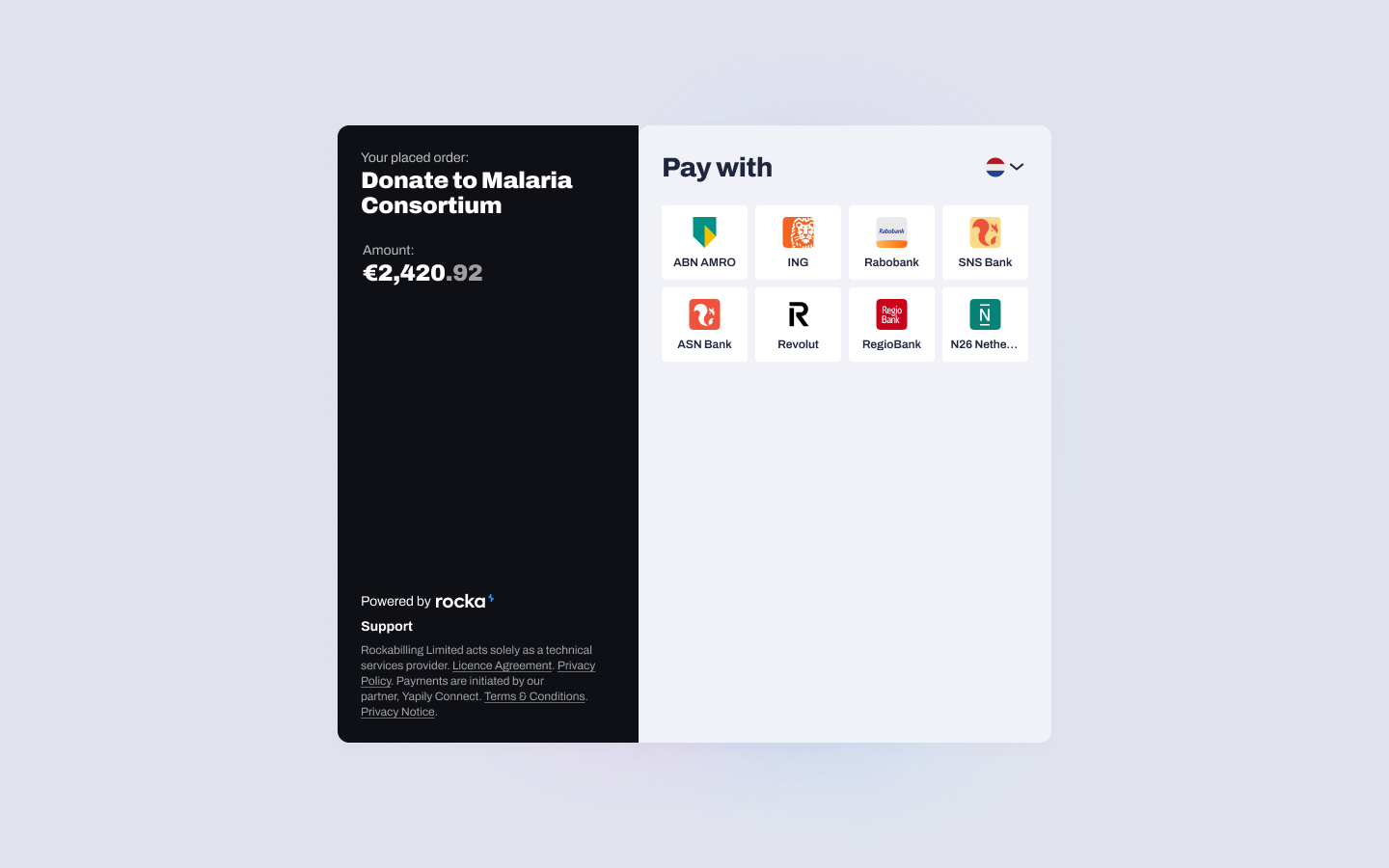
The hosted checkout page displays a selection of banks available in the customer’s country. If you include the customer’sipAddress in your request, their country is preselected on the payment page and they see their local banks straight away. If you don’t provide ipAddress, Rocka detects the customer’s IP address automatically and uses it to suggest a country. The customer also sees the payment description (that you provided as description).
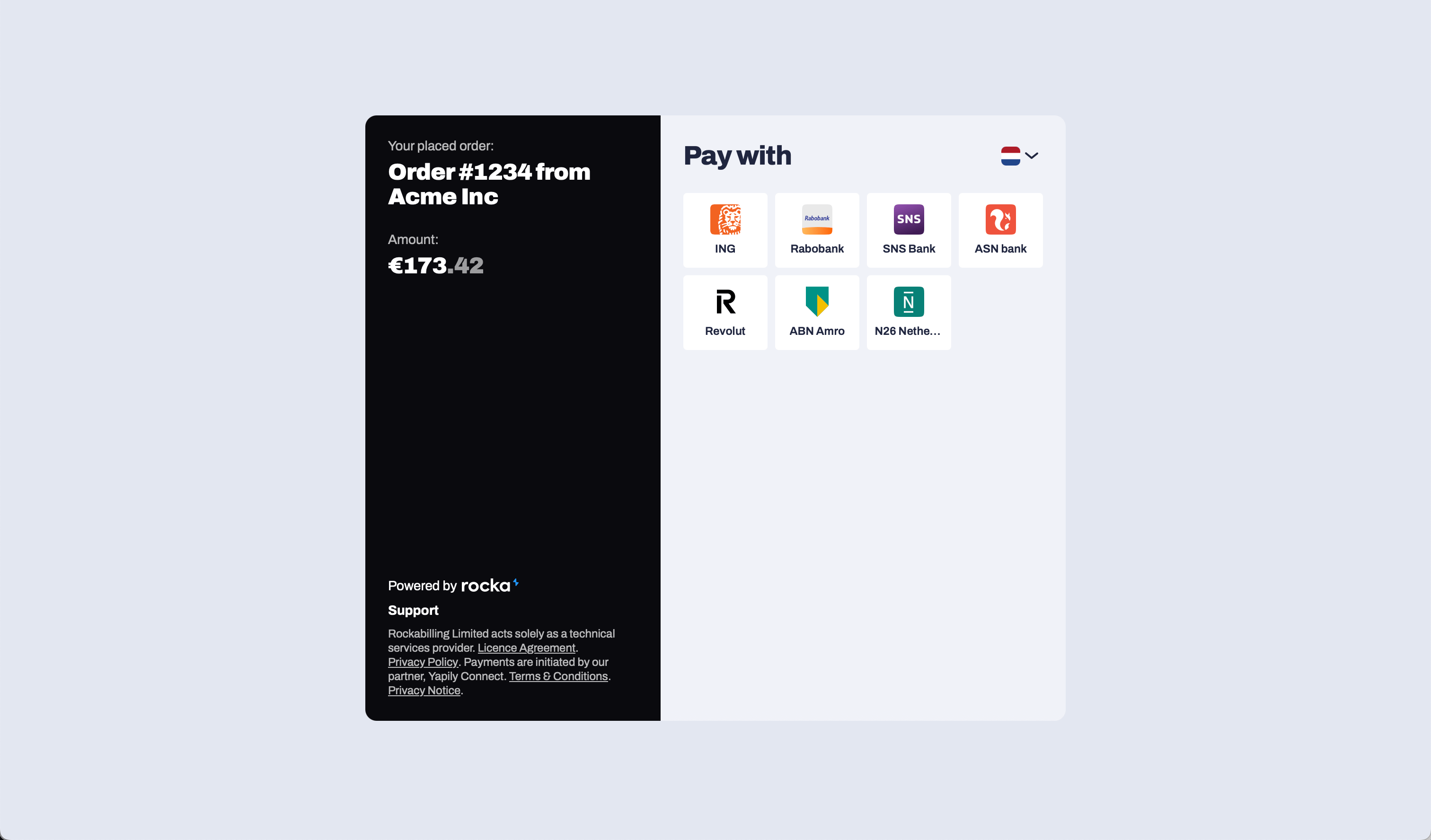
providerId parameter, the bank is preselected for your customer, but they still need to enter their IBAN or scan the bank QR code. If you provide their iban in the request, they will be redirected straight to their bank app, skipping Rocka’s hosted checkout page. For more information, see Integrate direct bank payments.
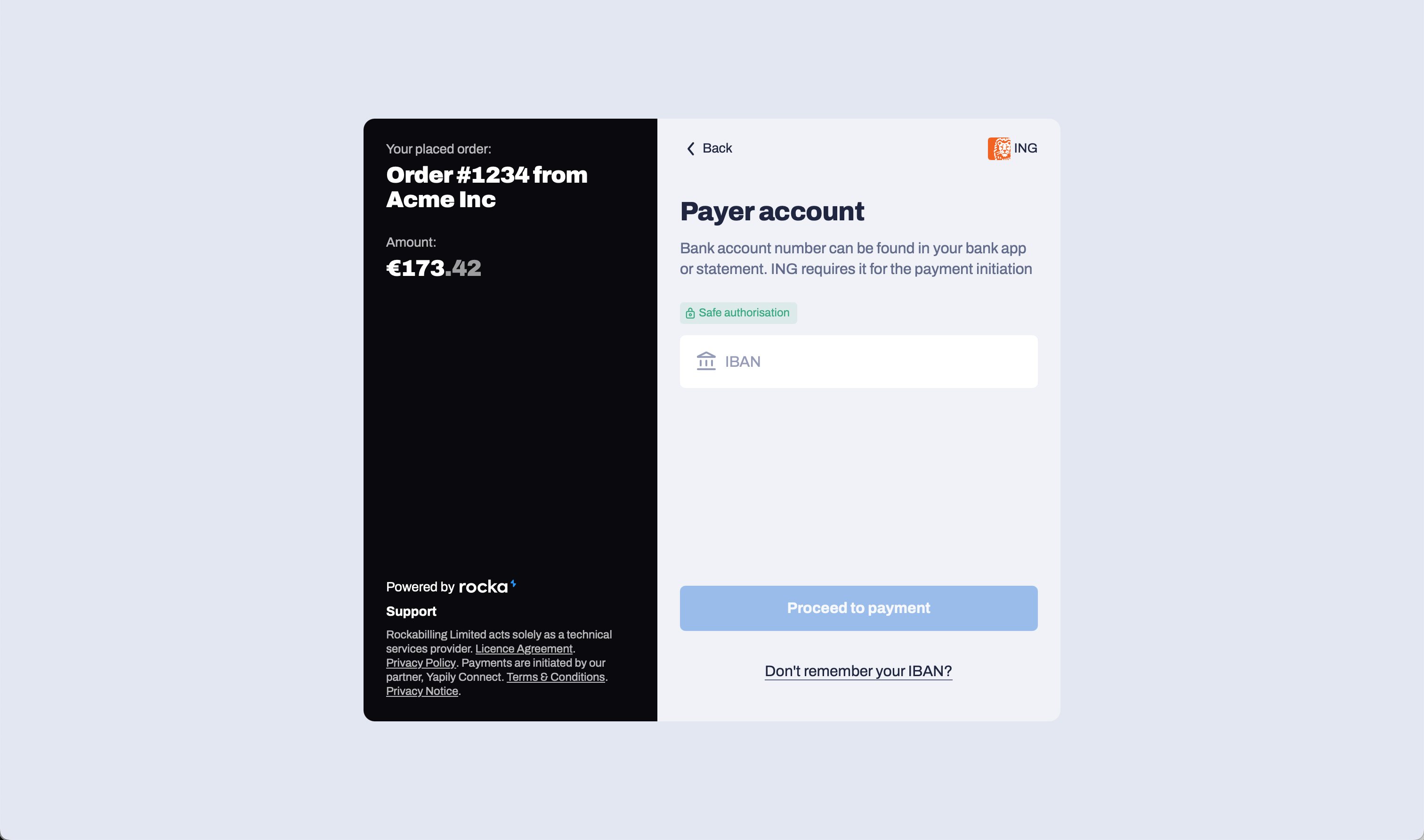
IBAN prompt step
Most banks need your customer’s IBAN to process the payment. If your customer can’t find it, they’ll be able to log in with their bank through the mobile app or the web version.
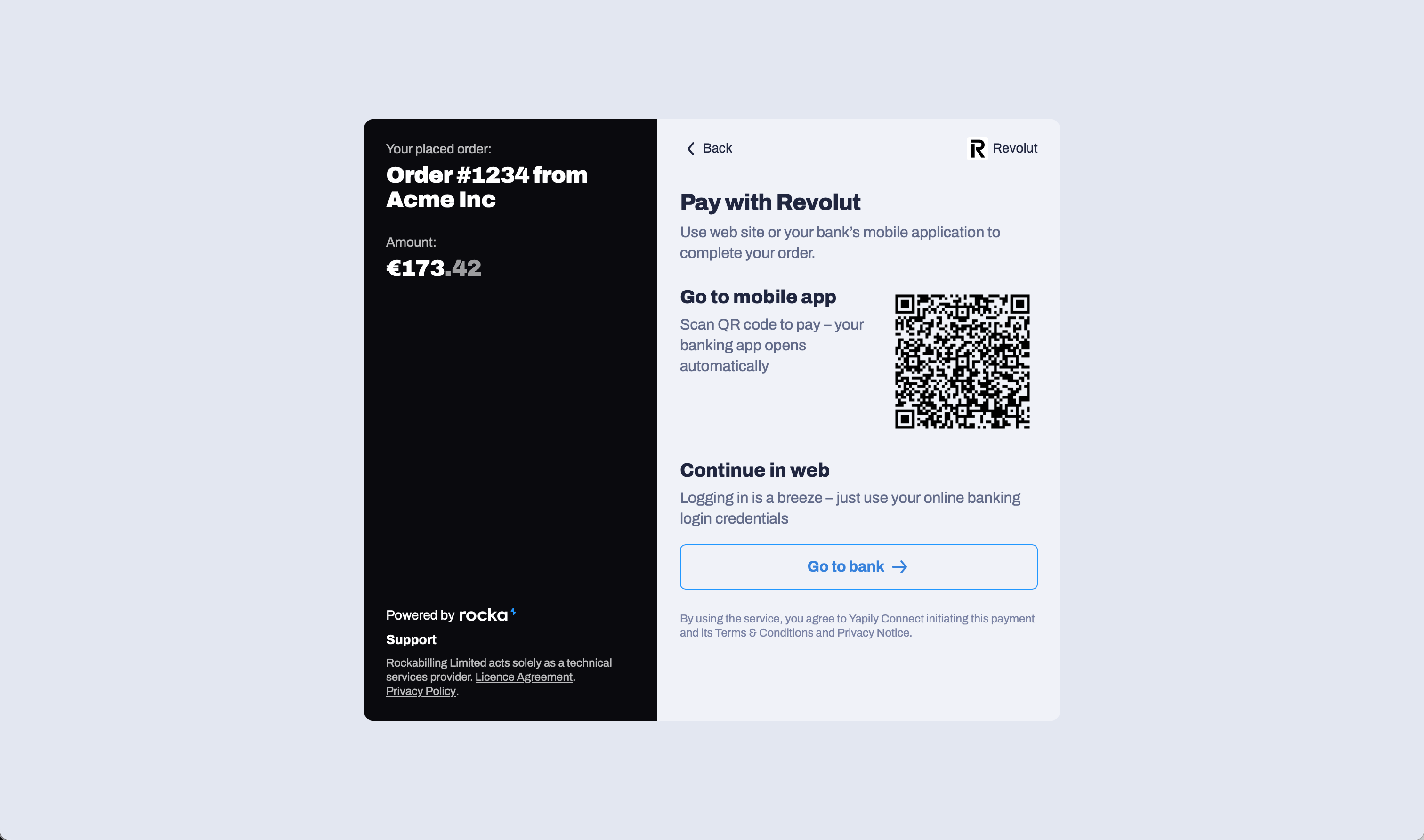
QR scan step
Some payment methods and banks generate QR codes your customer can scan to complete the payment in the mobile app. They can also log in to the web version.