

1
Go to your Rocka Hub.
2
On the left-hand sidebar, click Transactions.
3
Find and click the transaction you want to issue a refund for.
4
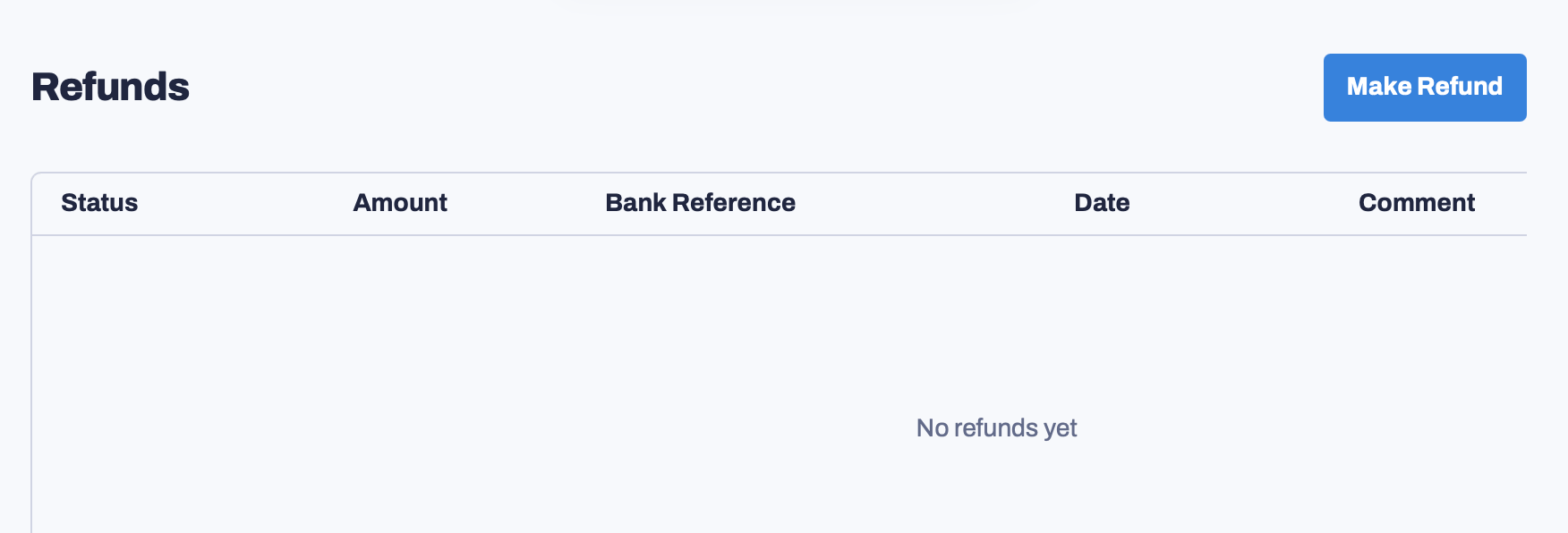
Scroll down until you see the Refunds section. Click Make Refund.
5
Enter the refund amount. You can also include a comment explaining the reason for this refund. Click Submit refund.