To view transaction details: 
1
Go to your Rocka Hub
2
On the left-hand sidebar, click Transactions
3
Click the transaction you want to see more details on. 
You will see the payment amount, bank, order ID and other data, as well as the full status history and current status (or final status, if the payment is completed or failed). 
Transaction Info New
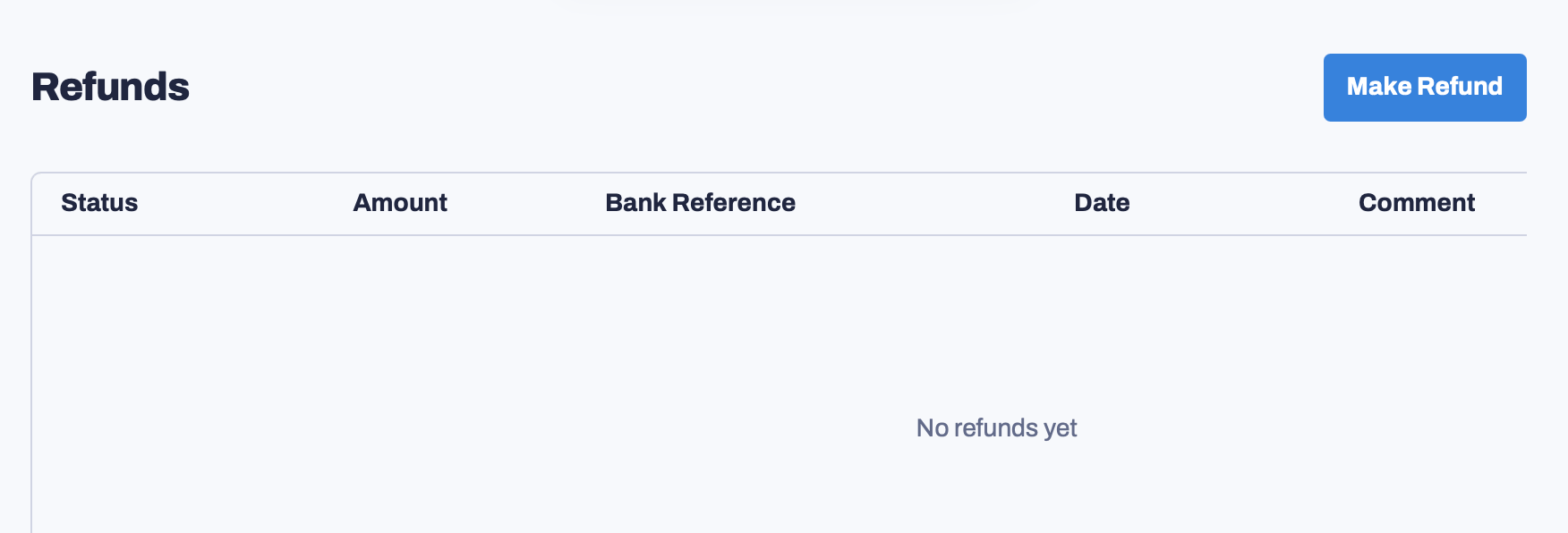
If you scroll down, you will also be able to issue a refund for this payment and view previous refund data. For more information, see Issue a refund and Check refund status.
Issue A Refund
Last modified on May 19, 2026