To remove a bank account:
On the left-hand sidebar, click My account.
Switch to the Bank account tab.
Click Change C2B account preferences.
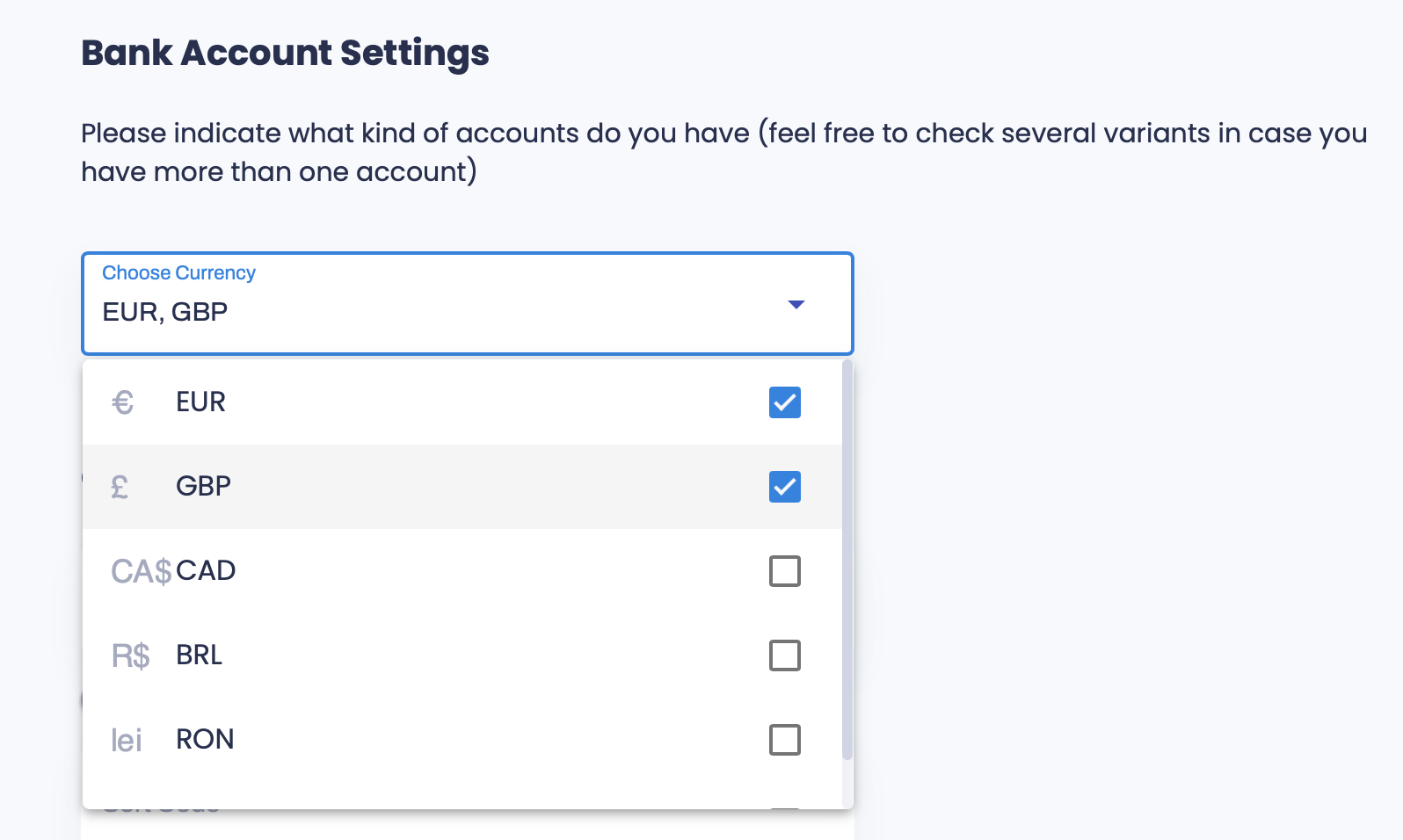
Click the Choose currency dropdown and uncheck the box next to the currency you want to remove. You always need to have at least one active bank account in your profile. If you have only one remaining, you will not be able to remove it.