

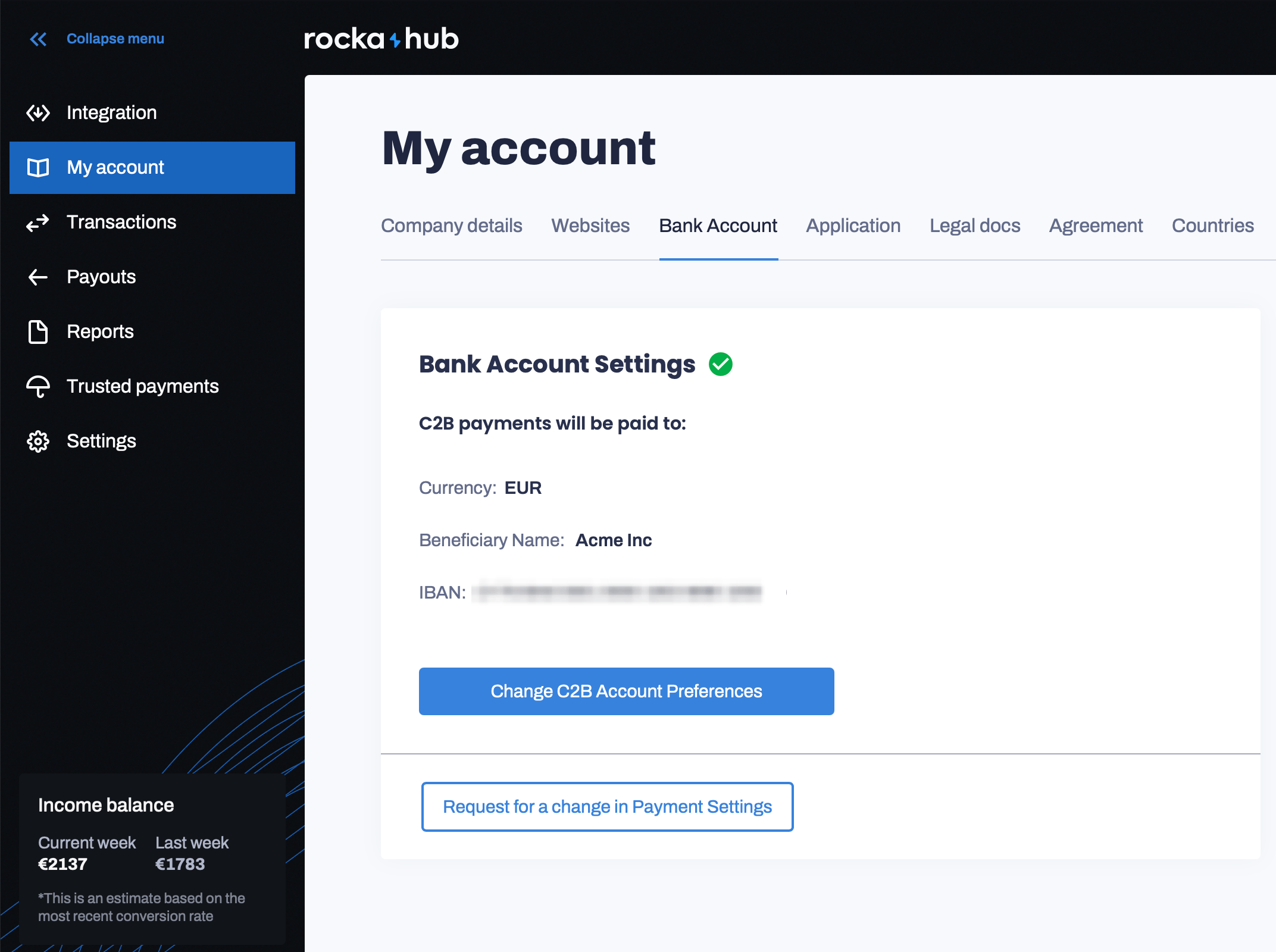
Go to your Rocka Hub.
If you want to use a new account for a currency you have previously added, simply replace the IBAN in the form.
To add an account in a new currency, click the Choose currency dropdown and check the box next to the currency you want to add. Enter your bank account details in the form that will appear.
To add an account in a new currency, click the Choose currency dropdown and check the box next to the currency you want to add. Enter your bank account details in the form that will appear.