> ## Documentation Index
> Fetch the complete documentation index at: https://docs.rocka.live/llms.txt
> Use this file to discover all available pages before exploring further.
# Remove a bank account
To remove a bank account:
Go to your [Rocka Hub](https://hub.rocka.live).
On the left-hand sidebar, click **My account**.
Switch to the **Bank account** tab.
Click **Change C2B account preferences**.
Click the **Choose currency** dropdown and uncheck the box next to the currency you want to remove.
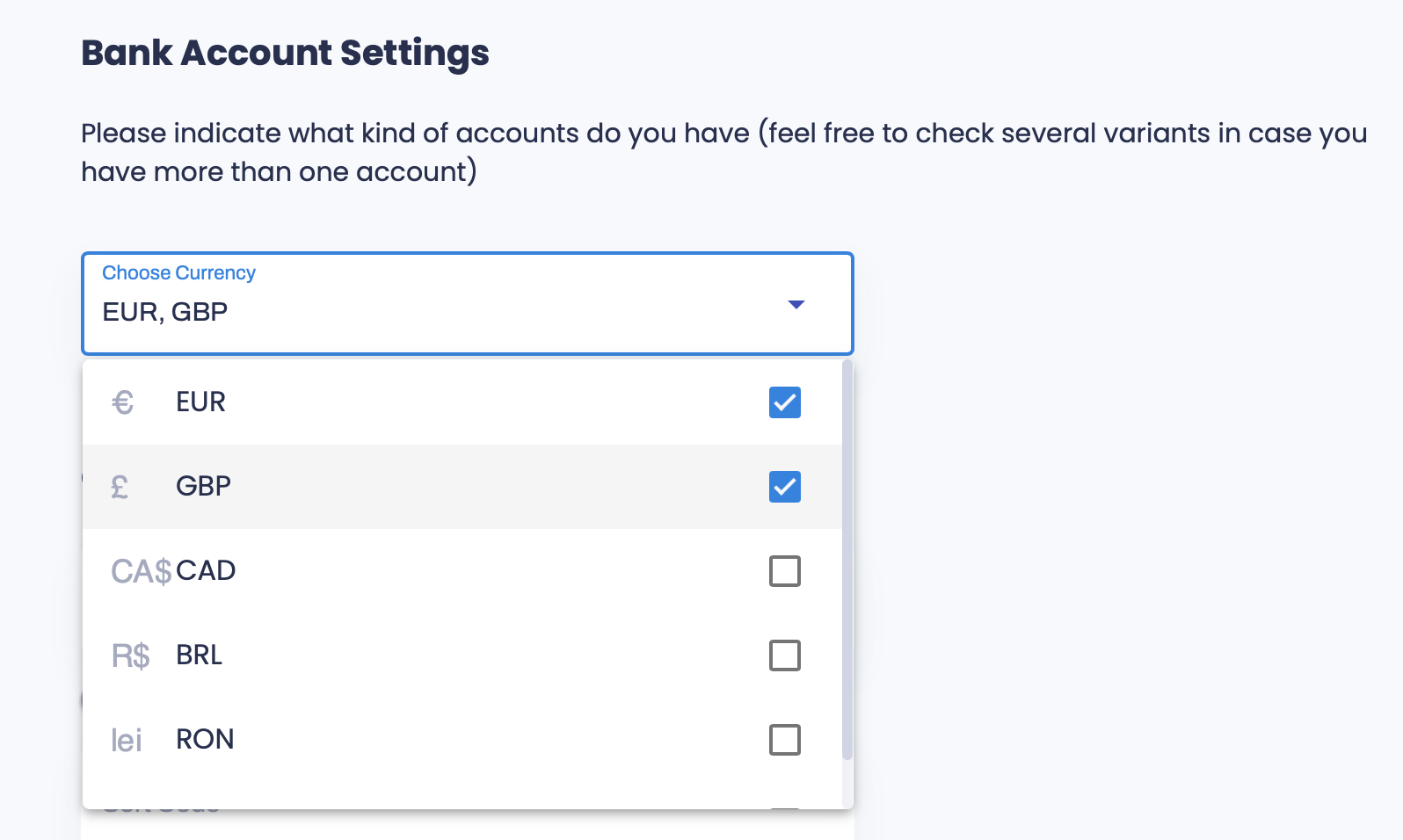 You always need to have at least one active bank account in your profile. If you have only one remaining, you will not be able to remove it.