> ## Documentation Index
> Fetch the complete documentation index at: https://docs.rocka.live/llms.txt
> Use this file to discover all available pages before exploring further.
# Add a bank account
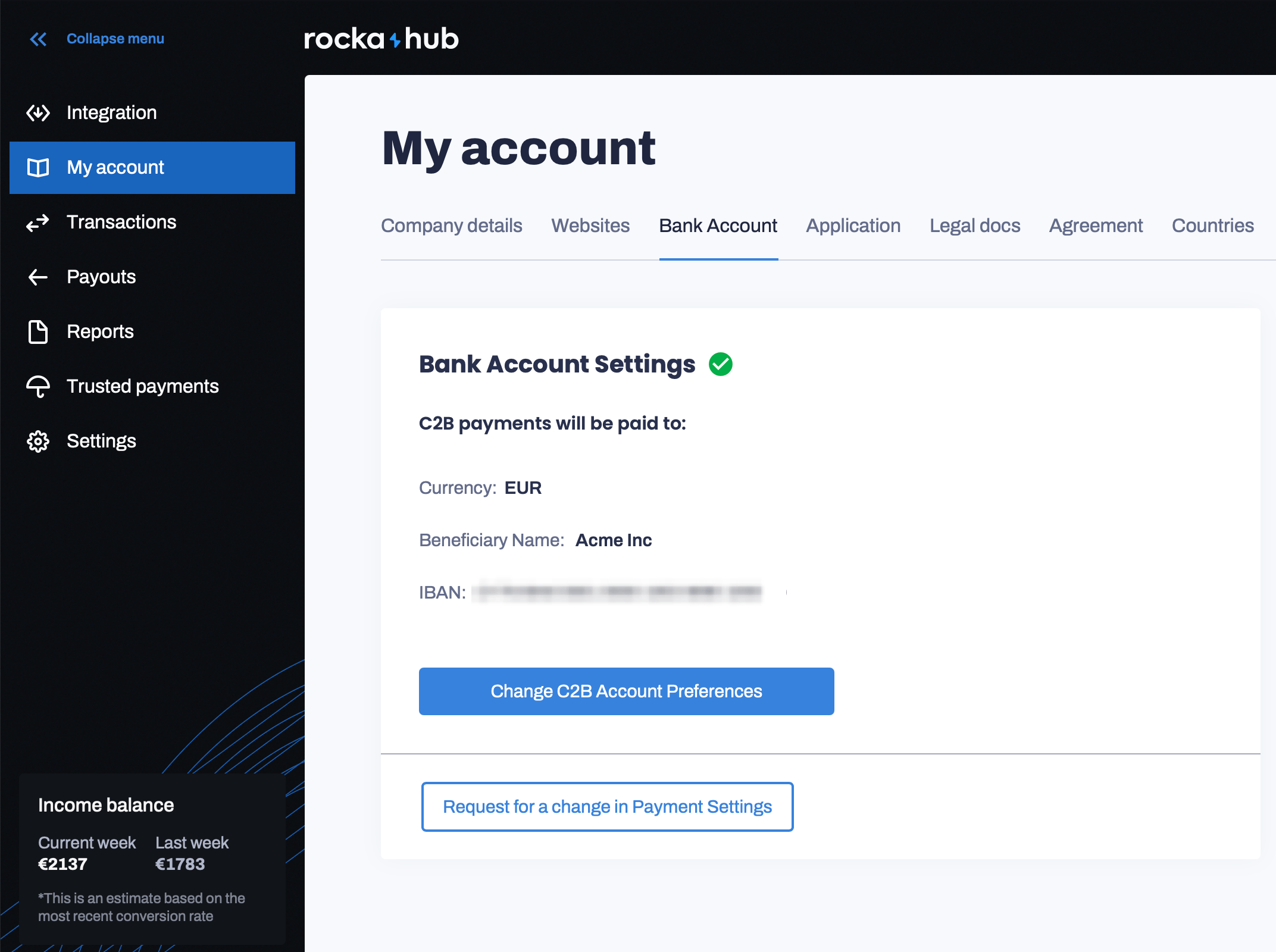 To add a new bank account:
Go to your [Rocka Hub](https://hub.rocka.live/).
On the left-hand sidebar, click **My account**.
Switch to the **Bank account** tab.
Click **Change C2B account preferences**.
If you want to use a new account for a currency you have previously added, simply replace the IBAN in the form. \
\
To add an account in a new currency, click the **Choose currency** dropdown and check the box next to the currency you want to add. Enter your bank account details in the form that will appear.
Click **Verify** to verify your new bank account.
To add a new bank account:
Go to your [Rocka Hub](https://hub.rocka.live/).
On the left-hand sidebar, click **My account**.
Switch to the **Bank account** tab.
Click **Change C2B account preferences**.
If you want to use a new account for a currency you have previously added, simply replace the IBAN in the form. \
\
To add an account in a new currency, click the **Choose currency** dropdown and check the box next to the currency you want to add. Enter your bank account details in the form that will appear.
Click **Verify** to verify your new bank account.