> ## Documentation Index
> Fetch the complete documentation index at: https://docs.rocka.live/llms.txt
> Use this file to discover all available pages before exploring further.
# Issue a refund
 To issue a refund:
Go to your [Rocka Hub](https://hub.rocka.live/).
On the left-hand sidebar, click [**Transactions**](https://hub.rocka.live/transactions).
Find and click the transaction you want to issue a refund for.
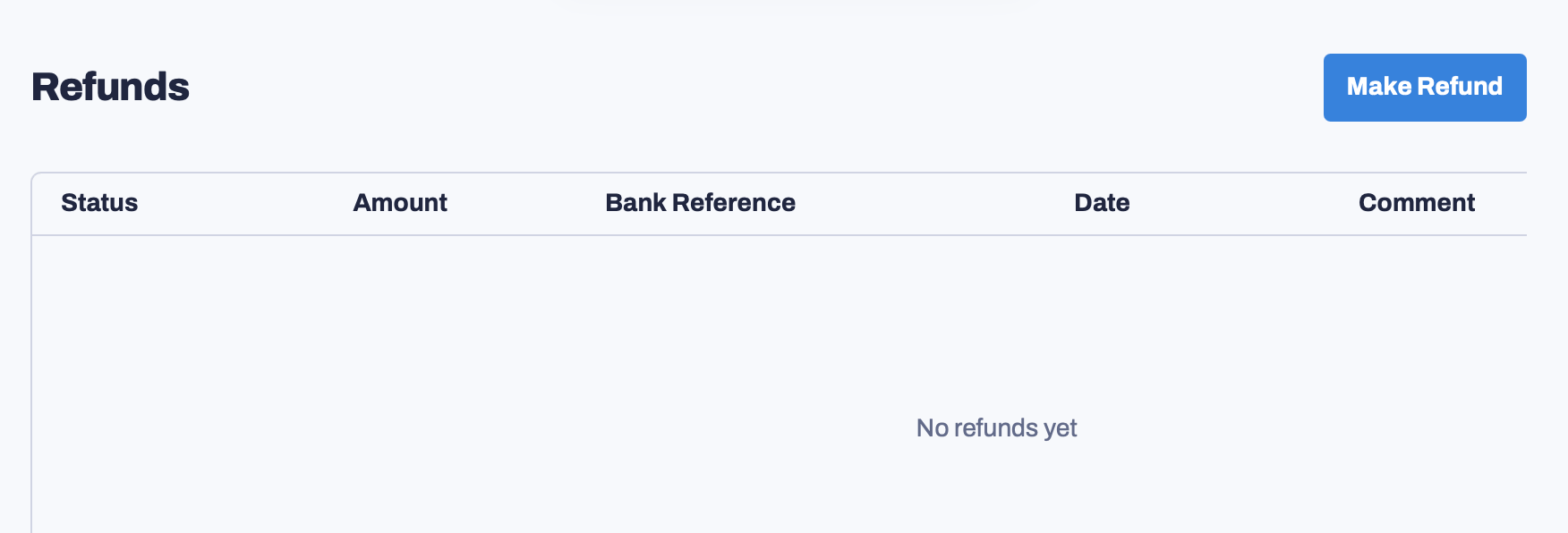
Scroll down until you see the Refunds section. Click **Make Refund**.
Enter the refund amount. You can also include a comment explaining the reason for this refund. Click **Submit refund**.
To issue a refund:
Go to your [Rocka Hub](https://hub.rocka.live/).
On the left-hand sidebar, click [**Transactions**](https://hub.rocka.live/transactions).
Find and click the transaction you want to issue a refund for.
Scroll down until you see the Refunds section. Click **Make Refund**.
Enter the refund amount. You can also include a comment explaining the reason for this refund. Click **Submit refund**.