> ## Documentation Index
> Fetch the complete documentation index at: https://docs.rocka.live/llms.txt
> Use this file to discover all available pages before exploring further.
# Enable multi-factor authentication
To protect your account, you can enable multi-factor authentication for your account. To do so, contact your account manager or reach out to us at [support@rocka.live](mailto:support@rocka.live).
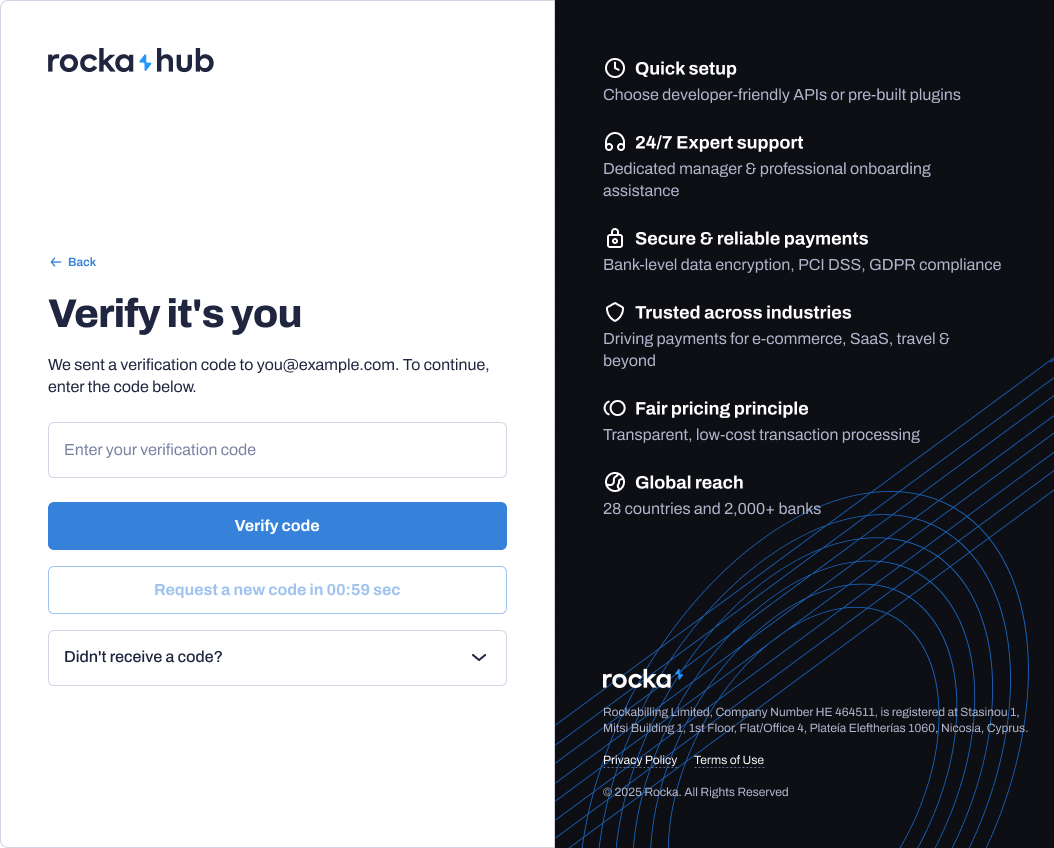
If you enable multi-factor authentication, you will receive an email with a one-time verification code every time you log in to your Rocka Hub. You will not be able to log in without entering this code. The code will be sent to the email address you use to log in.